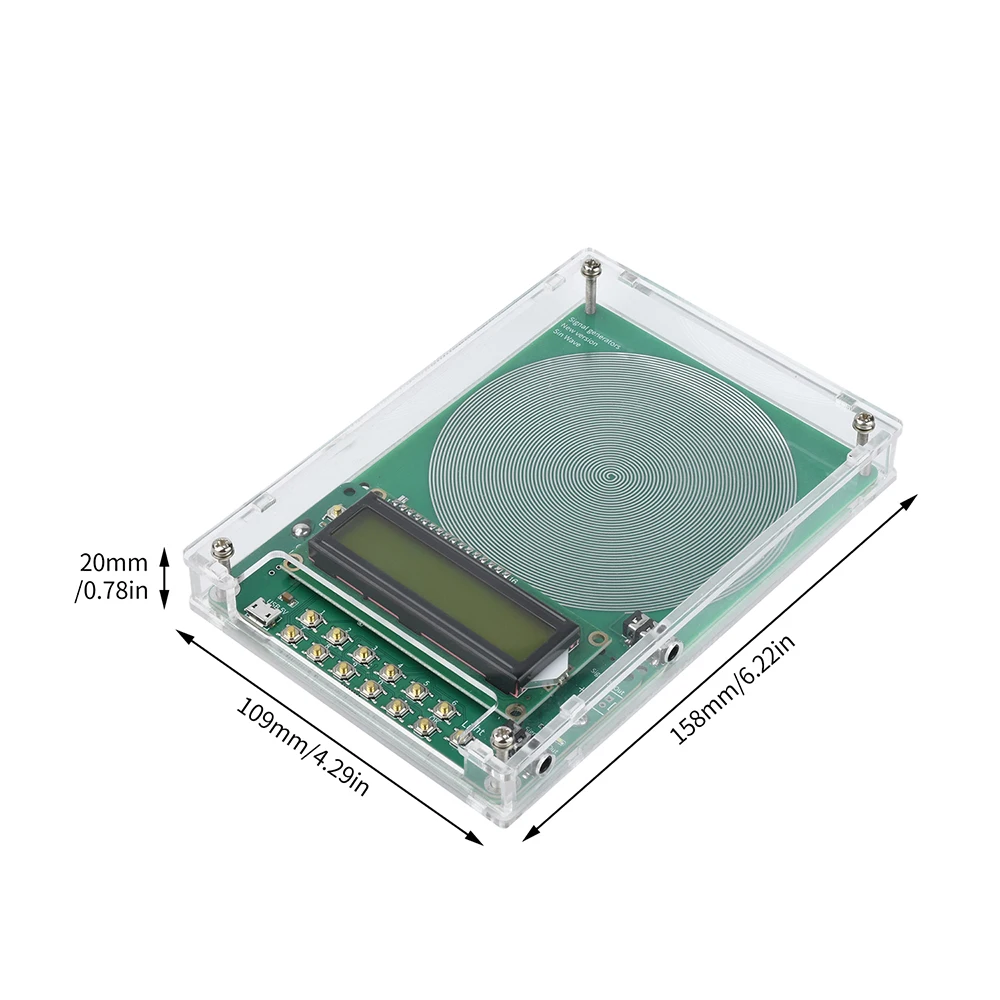
DC 5V Adjustable Frequency Schumann Wave Generator (0.1-99999Hz) Sine Wave Can Be Connected to External Antenna & Micro USB


DC 5V Adjustable Frequency Schumann Wave Generator (0.1-99999Hz) Sine Wave Can Be Connected to External Antenna & Micro USB
Features:
1. The frequency adjustable range is wide (0.1Hz-99999Hz), accurately meeting different needs.
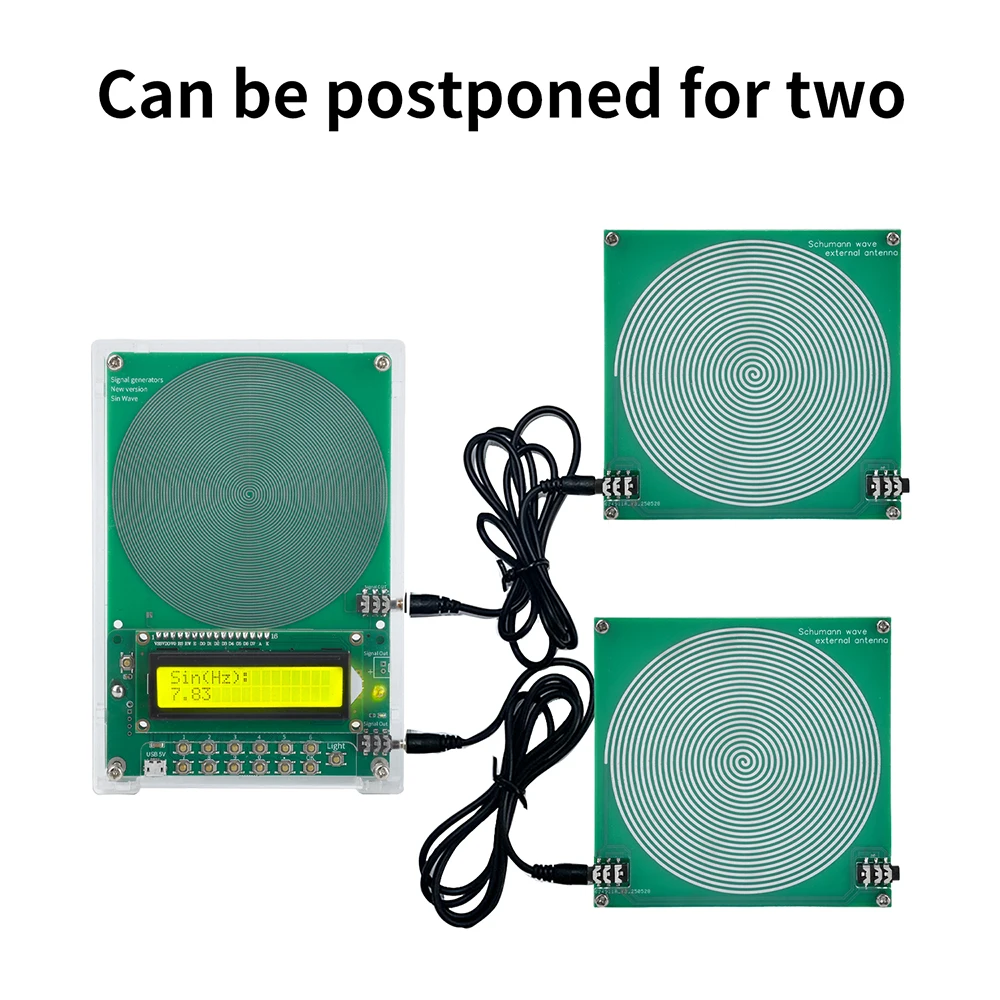
2. Dual channel output supports external antenna boards to achieve serial expansion of multiple devices.
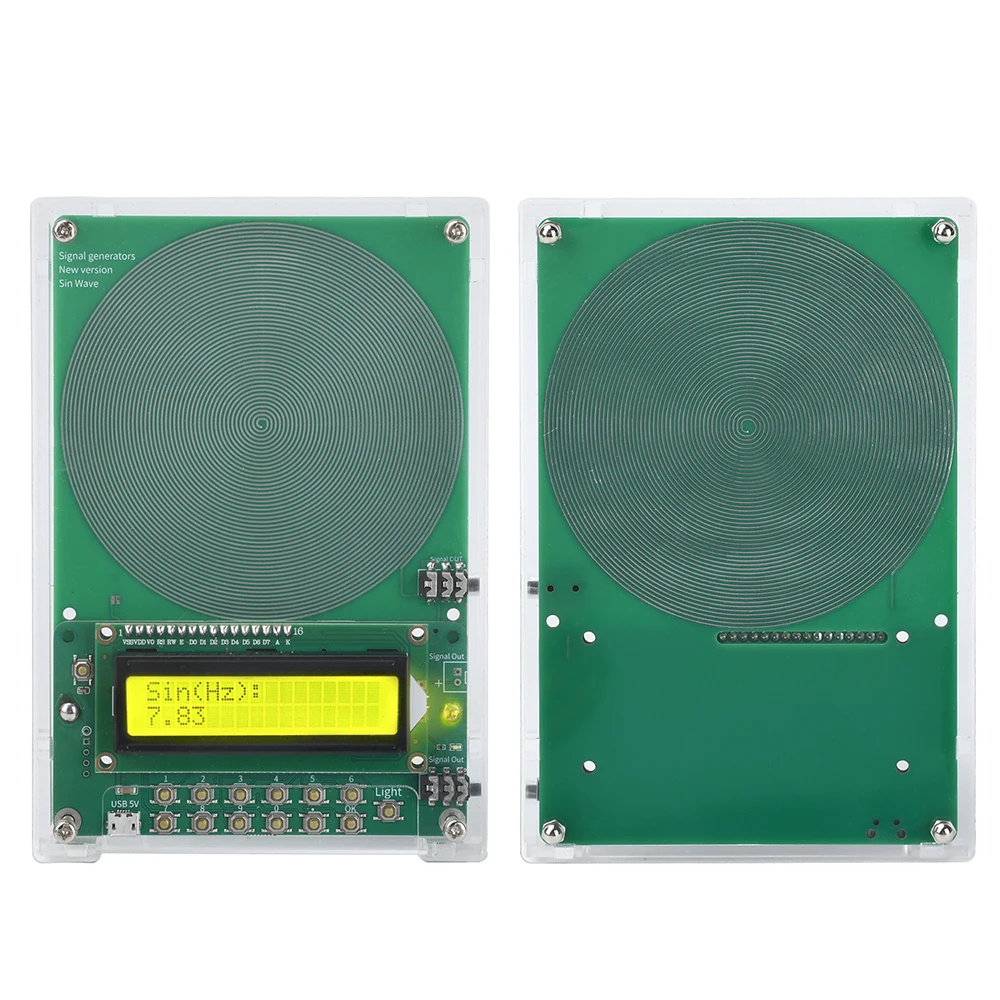
3. The default frequency is 7.83Hz, and the desired frequency can be set with just one click, making the operation simple and convenient.
4. Key operation, simple and convenient design, even beginners can easily get started, with no pressure in operation.
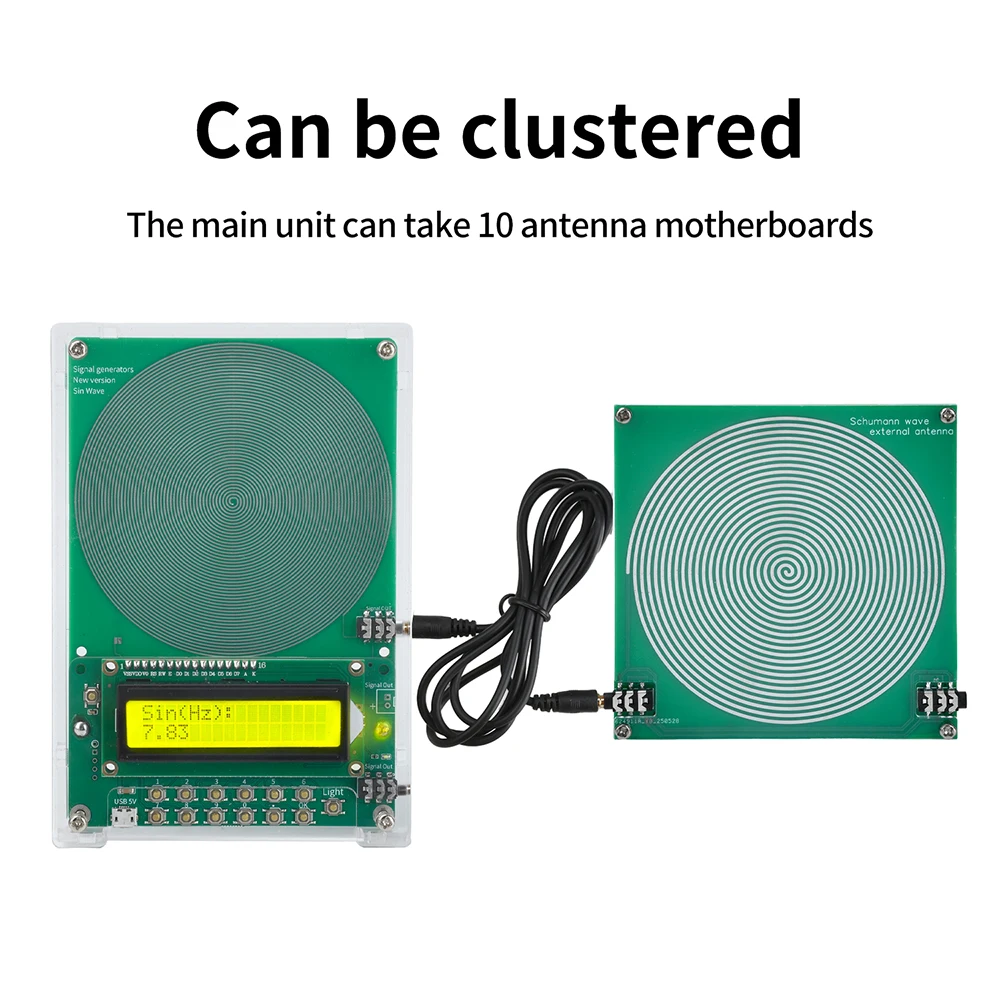
5. The host can connect up to 10 antenna motherboards, suitable for various application needs.
Parameter (motherboard):
Antenna waveform: sine wave
Power supply interface: Android interface
Supply voltage: DC 5V
Rated power consumption:<1W
Default frequency: 7.83Hz
Adjustment range: 0.1Hz~99999Hz
Sinusoidal signal voltage amplitude: 3V
Square wave signal voltage amplitude: 5V
Host size (with casing): 15.8 * 10.9 * 2cm
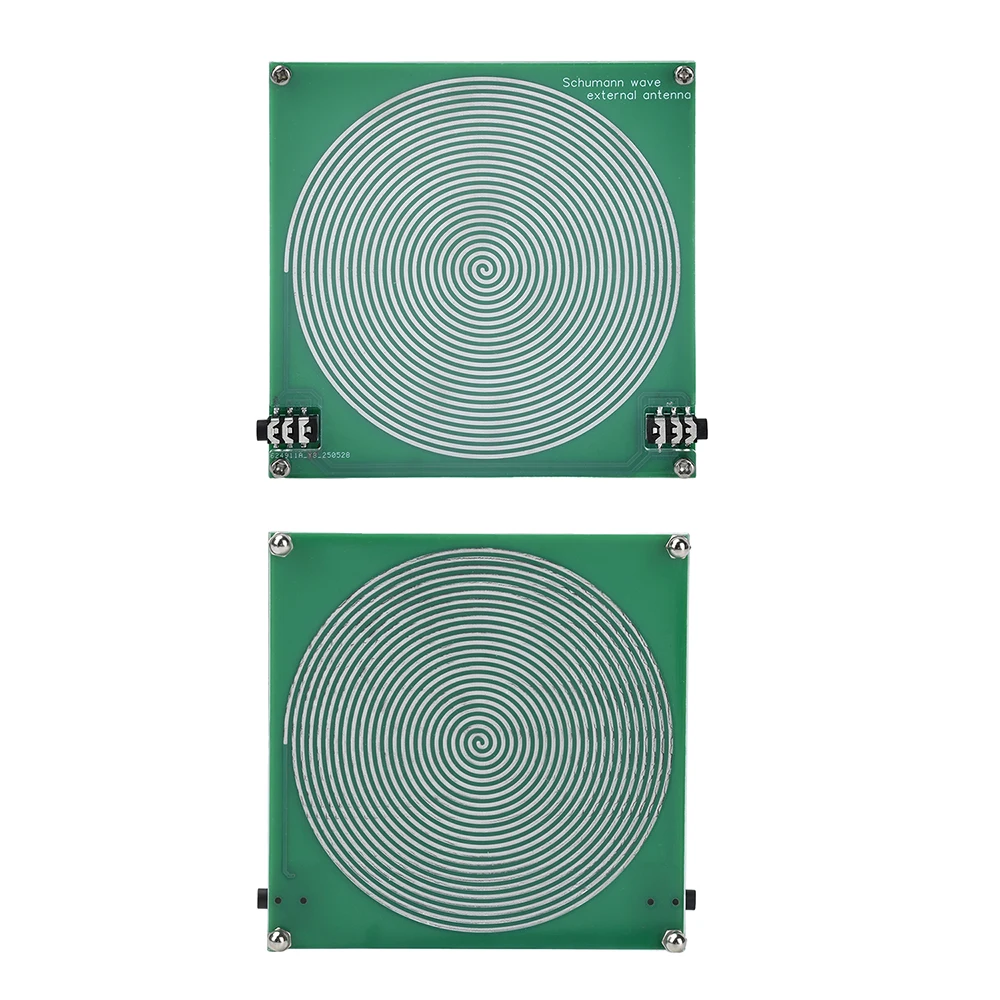
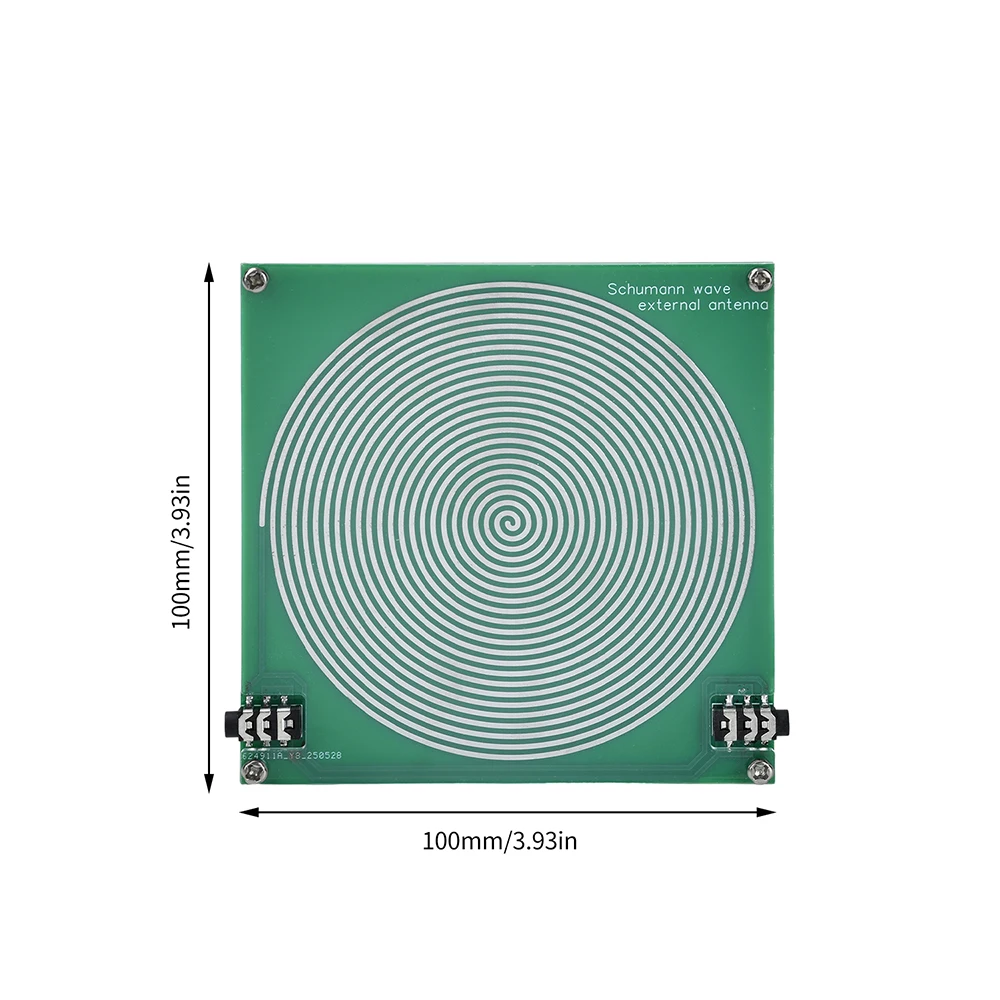
External antenna board: 10 * 10cm
Description:
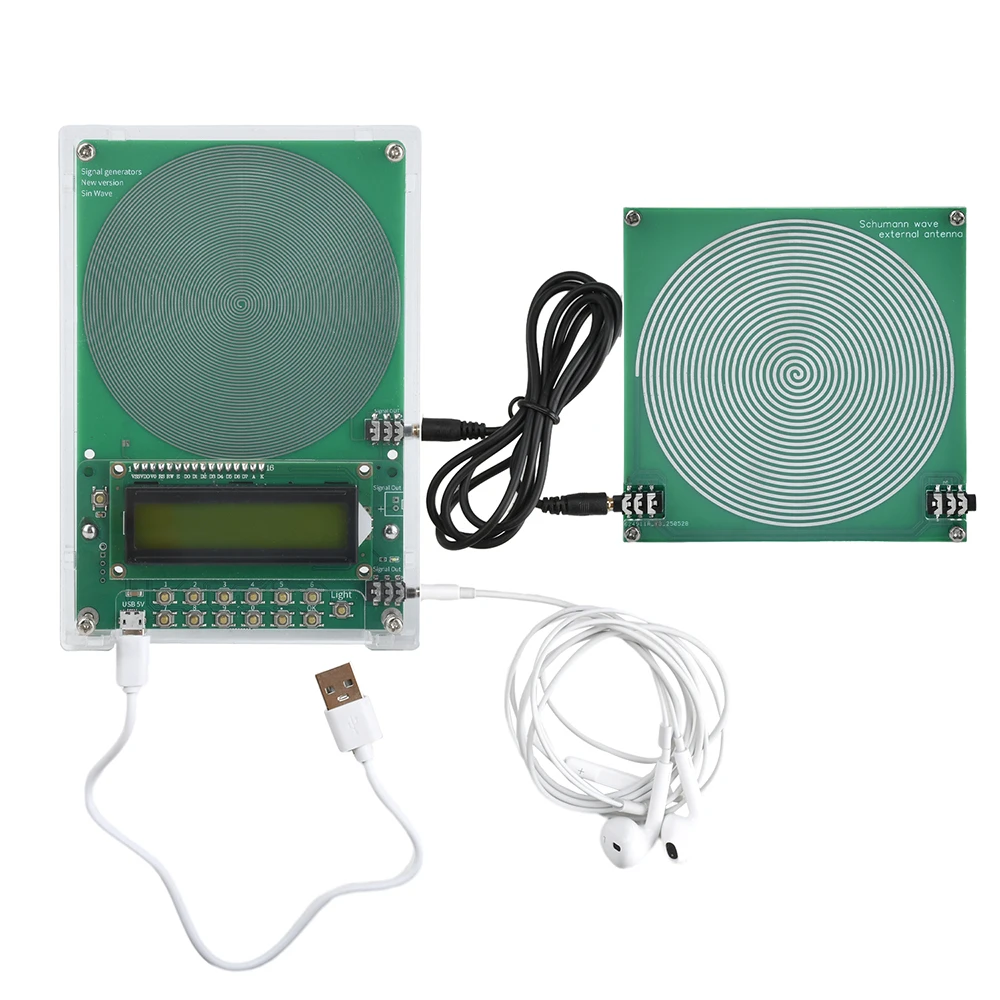
The dual channel output interface can be connected to an external antenna board, can be combined or cascaded, and can be integrated with a host that can carry 10 antenna motherboards.
Usage:
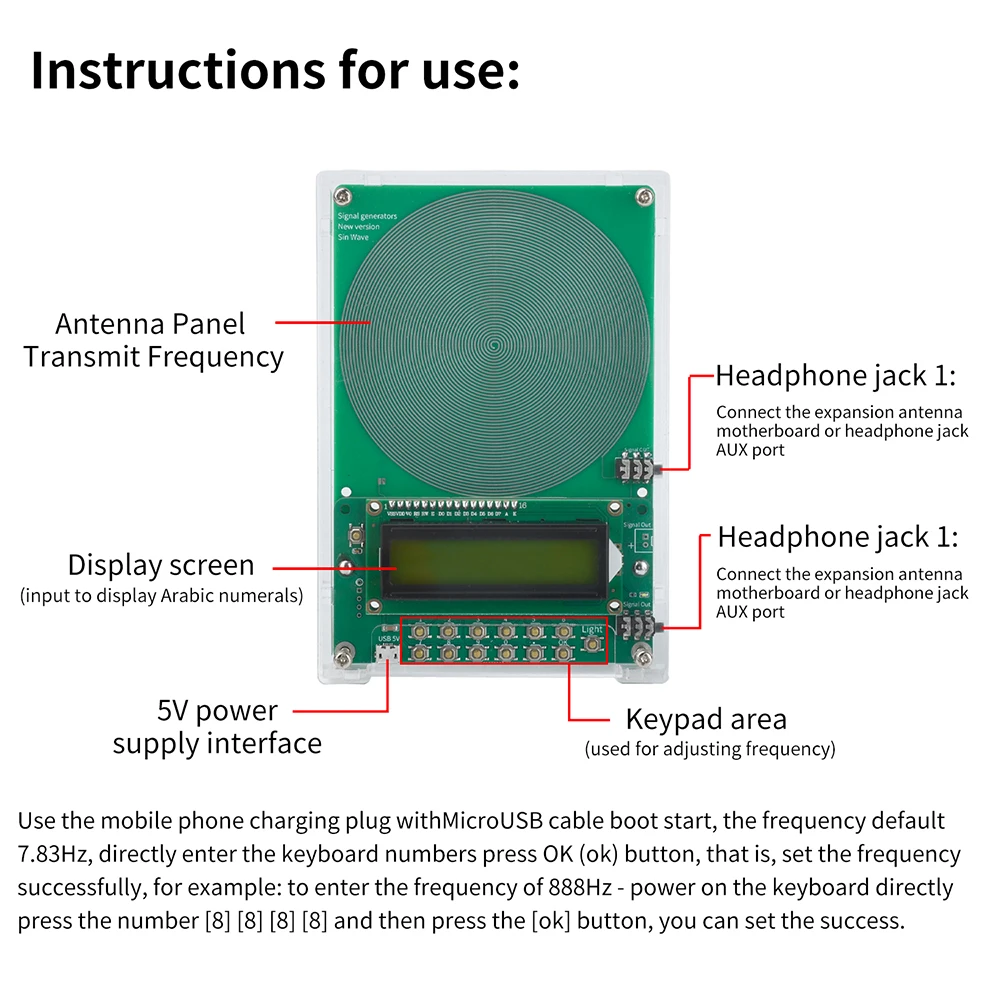
Use a mobile phone charging plug with an Android data cable to power on and start up. The default frequency is 7.83Hz. Simply enter the keyboard number and press the OK button to successfully set the frequency. For example, to enter the 888Hz frequency - after power on, press the numbers [8] [8] [8] on the keyboard and then press the OK button to successfully set it.
Usage of external antenna:
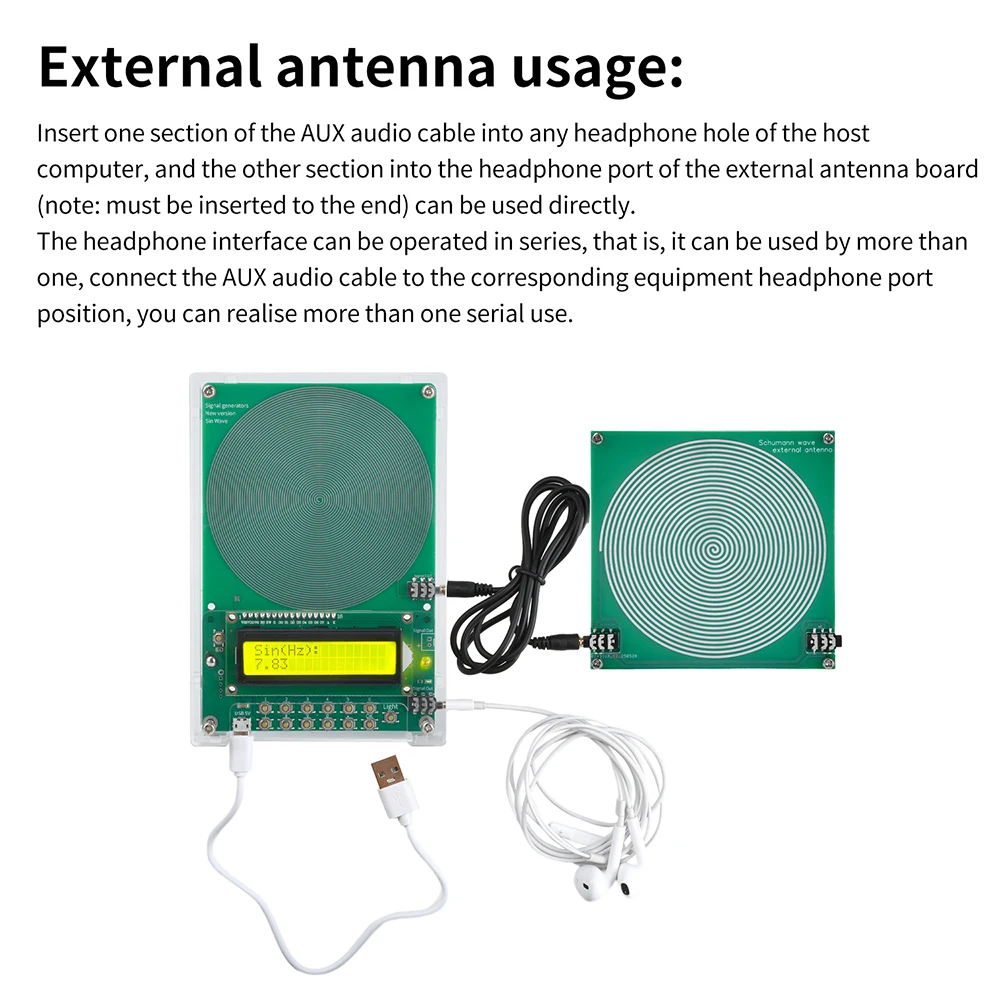
Insert one end of the AUX audio cable into any headphone jack on the host, and the other end into the headphone jack on the external antenna board (note: make sure to plug it all the way) to use it directly.
The headphone jack can be connected in series, which means multiple headphones can be used. By connecting the AUX audio cable to the corresponding headphone jack position of the device, multiple headphones can be used in series.
Package Include:
Set 1:
1X Schumann Wave Signal Generator Host
1X power cord
Set 2:
1X expansion antenna board
1X AUX audio cable
Set 3:
1X Schumann Wave Signal Generator Host
1X power cord
1X expansion antenna board
1X AUX audio cable
1X earphones